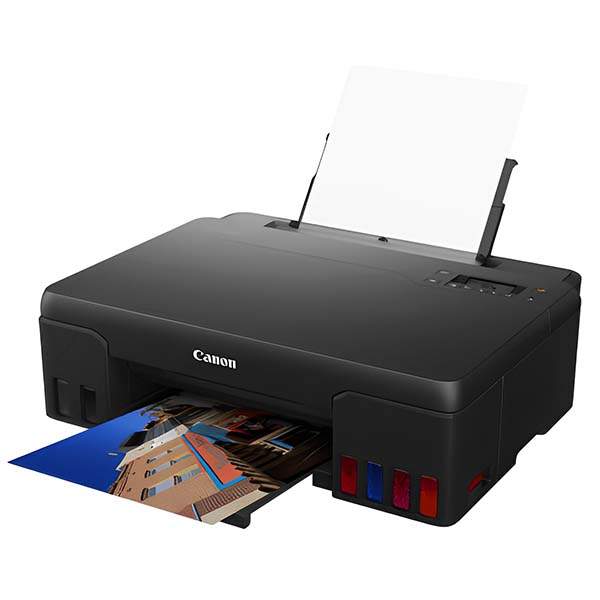
Description
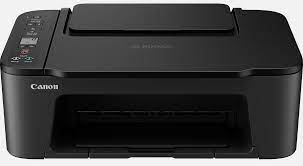
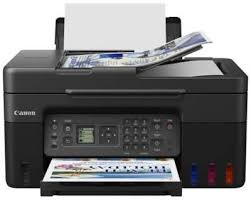
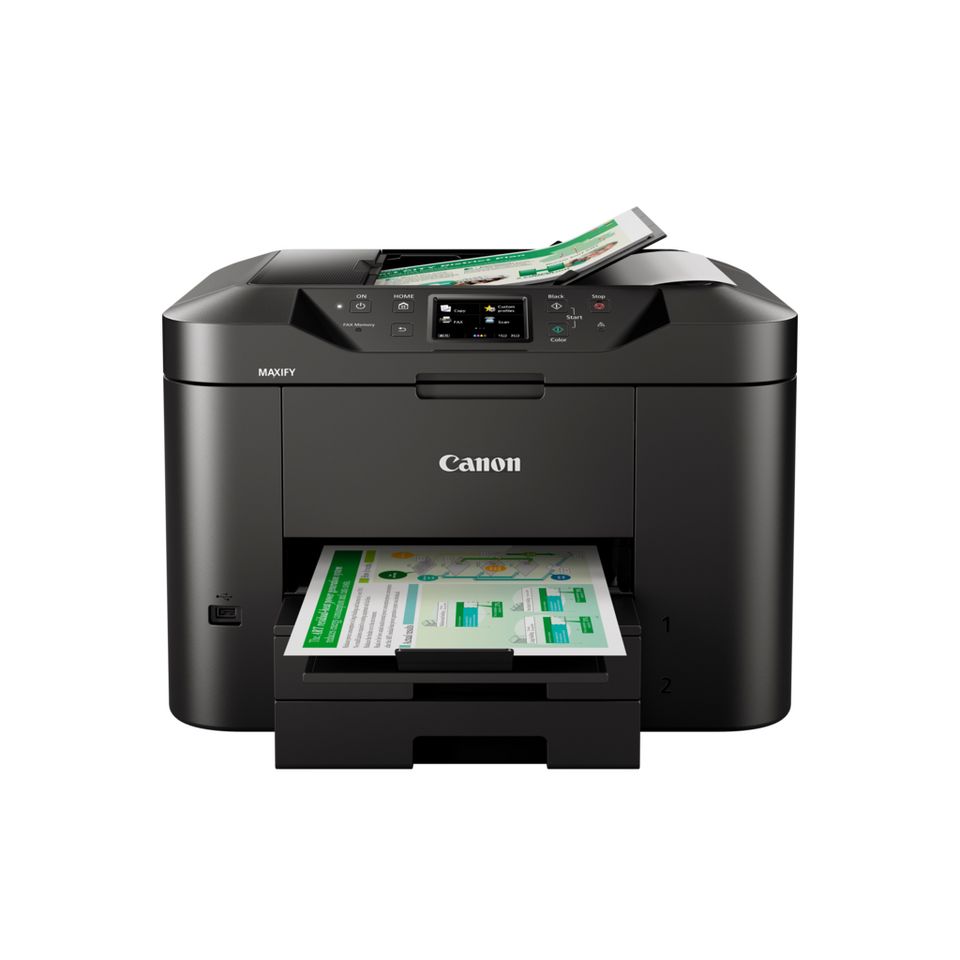
Canon Pixma G540 3 in 1 Inkjet Printer
The first multi-function printer in the PIXMA G range with six refillable dye-based ink tanks, the PIXMA G640 blends unrivalled photo-quality printing with the ability to produce high volumes at extremely low cost.
High volume, high standards, low costs
For printing large quantities of high-quality images at low cost, the PIXMA G640 offers simplicity, versatility and brilliant print quality.
Specifications
-
Six dye-based inks
Photo-quality colour printing
-
Wireless printing
Print from WiFi-enabled devices
-
2 line LCD
Get info and adjust settings
-
Rear feeding capacity
Easily load up to 100 sheets
-
Borderless photo printing
Print photos up to A4 size
-
Print only
Single function printer
-
High page yield
3,800 photos, 1 set of bottles1
General Specifications
-
Model NumbersPIXMA G540
-
FunctionsWi-Fi, Print & Cloud
Printer Specifications
-
Print ResolutionUp to 4800 x 1200 dpi1
-
Print Technology2 FINE Print Heads (Left : BK/R/Gy, Right : C/M/Y)
Refillable ink tank printer -
Mono Print Speedapprox. 3.9 ipm2
-
Colour Print Speedapprox. 3.9 ipm3
-
Photo Print SpeedBorderless 4″ x 6″ (10x15cm) : Approx. 47 seconds4
-
Borderless PrintingYes
A4, LTR, 4″” x 6″” (10x15cm), 5″” x 7″” (13x18cm), 7″” x 10″” (18x25cm), 8″” x 10″” (20x25cm), Square 5″” x 5″” (127mm x 127mm), Square 3.5″” x 3.5″” (89 mm x 89 mm), Card Size 55mm x 91 mm (2.17″” x 3.58″”)5 -
Two Sided PrintingManual operation
Consumables and Yields
-
Standard Ink BottlesGI-43 <BK>
GI-43 <C>
GI-43 <M>
GI-43 <Y>
GI-43 <R>
GI-43 <GY> -
Maintenance CartridgeMC-G02 (User Replaceable)
-
Bottle Yield (Plain Paper)
-
Bottle Yield (Photo Paper)
Paper Support
-
Paper TypesPlain Paper
Photo Paper Pro Luster (LU-101),
Photo Paper Plus Glossy II (PP-201)
Matte Photo Paper (MP-101),
Glossy Photo Paper “”Everyday Use”” (GP-501)
High Resolution Paper (HR-101N),
Photo Paper Plus Semi-gloss (SG-201),
Premium Fine Art Rough <FA-RG1>
Restickable Photo Paper(RP-101)
Magnetic Photo Paper(MG-101)
Dark Fabric Iron on Transfers (DF-101),
Light Fabric Iron on Transfers (LF-101),
Double sided Matte Paper (MP-101D)
Greeting Card (manufactured by Avery and RedRiverPaper),
Cardstock (manufactured by Neenah Paper and INKPRESS),
Canon Red Label Superior(WOP111)
Canon Oce Office Colour Paper(SAT213) -
Maximum Paper InputRear Tray: Plain paper: 64 – 105 g/m² (100 sheets) or supported genuine Canon papers
Please refer to online manual for a detailed list of paper load limits, which will vary depending on media type and page size selected. -
Paper SizesA4, A5, B5,A6, LTR, LGL, 4″” x 6″” (10x15cm), 5″” x 7″” (13x18cm), 7″” x 10″” (18x25cm), 8″” x 10″” (20x25cm), Square 5″” x 5″” (127mm x 127mm), Square 3.5″” x 3.5″” (89 mm x 89 mm), Card Size 55mm x 91 mm (2.17″”x3.58″”)
Envelopes(DL, COM10, C5, Monarch),[Custom size]
width 55 – 216 mm, length 89 – 1200 mm -
Paper WeightRear Tray: Plain paper: 64 – 105 g/m² or supported genuine Canon papers
Photo paper: max paper weight : approx. 275 g/m² or supported genuine Canon papers
Interface
-
Display Type & SizeFull Dot LCD (Monochrome)
Connectivity
-
Standard Interface
-
Mobile Apps
-
Printer Features
-
Smart Assistant & Automation Support
Software
-
Supported Operating SystemsWindows 10、Windows 8.1、Windows 7 SP1
Operation can only be guaranteed on a PC with pre-installed Windows 7or later.
Printer driver and IJ Printer Assistant Tool are available with following OS.
Windows Server 2008 R2 SP1、Windows Server 2012 R2、Windows Server 2016、Windows Server 2019Mac: OS X 10.12.6 ~ macOS 10.15
Chrome OS
Mobile Operating Systems: iOS®, iPadOS, Android™21
*OS compatibility confirmed at time of launch, please check the Canon Download Centre for support of subsequently released OS’s for this product.
-
Minimum System RequirementsWindows: 1.5GB or more
Note: for bundled software installation. The necessary amount of hard disk space required. -
Software IncludedPrinter Driver
IJ Printer Assistant Tool
Easy-PhotoPrint Editor (download)
Physical Features
-
Weight
-