R9 358,70
Please contact us for confirmation of stock, or price… we try to update our stock where possible. Contact if you need assistance.
Out of stock
Description
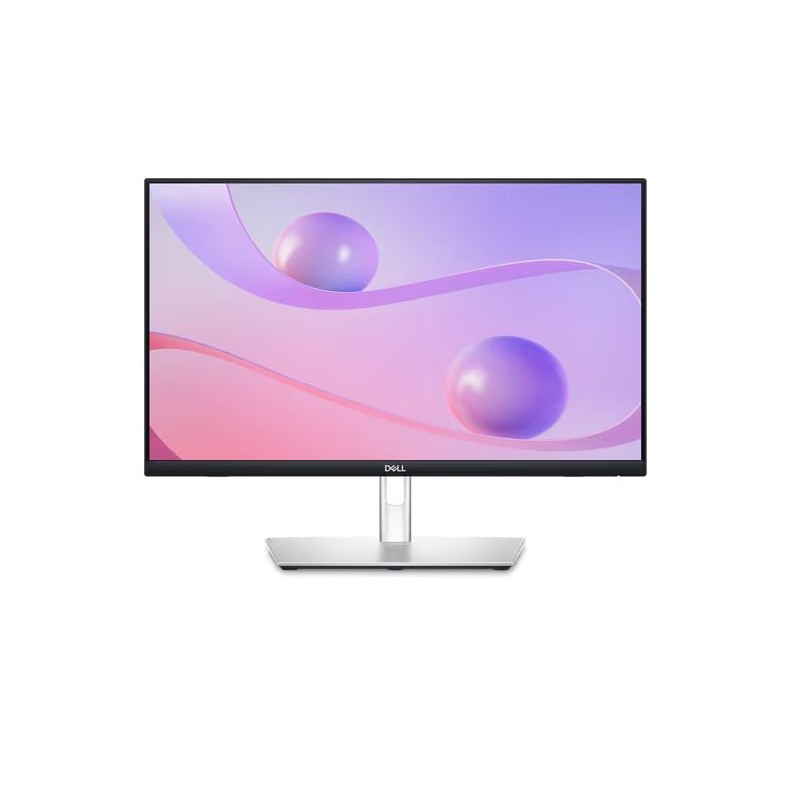
Dell P2424ht 23.8″ Touch Fhd Monitor
Features & Design
Connect. Get set. Go.
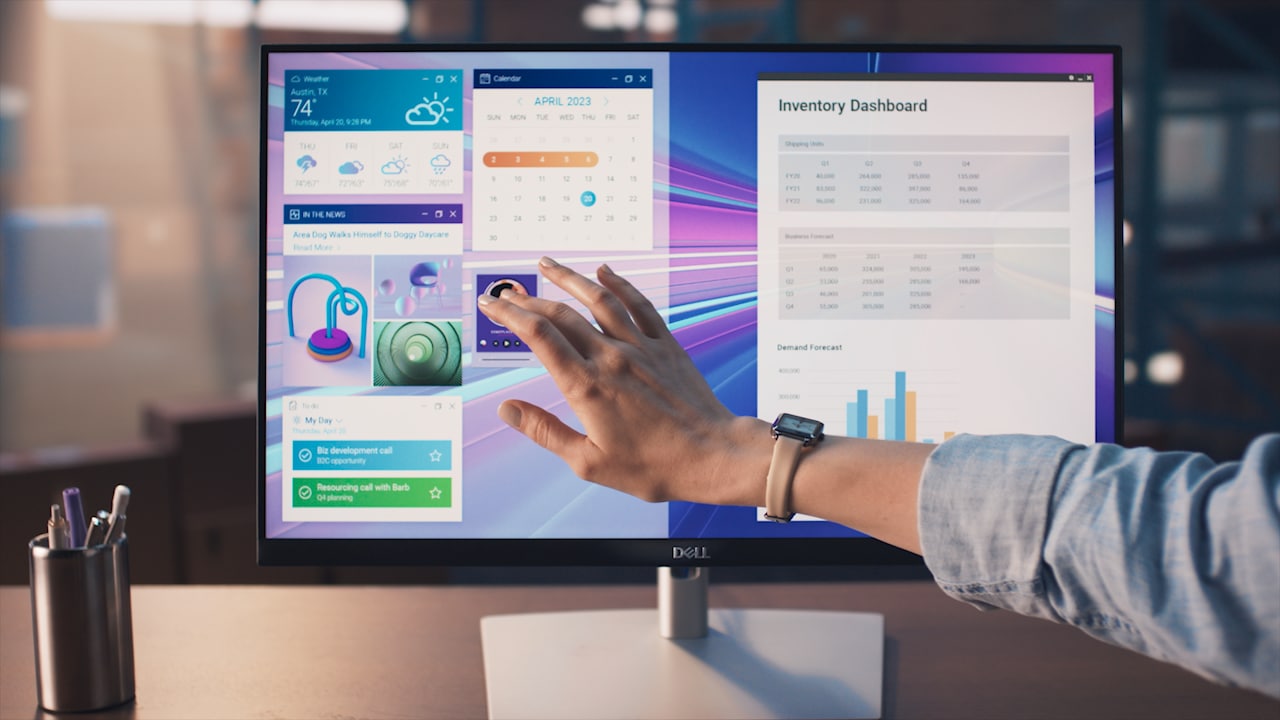
Tap. Swipe. Pinch.
feature. Annotate documents with ease, and smoothly navigate with simple tap, swipe, slide and pinch movements that feel natural and intuitive.

Plug. Connect. Sync.
Quick-access USB ports are easy to reach, allow you to quickly connect your accessories and can be covered to maintain a sleek look when not in use.
The PowerSync feature
wakes up and powers on your laptop so you can be productive immediately.
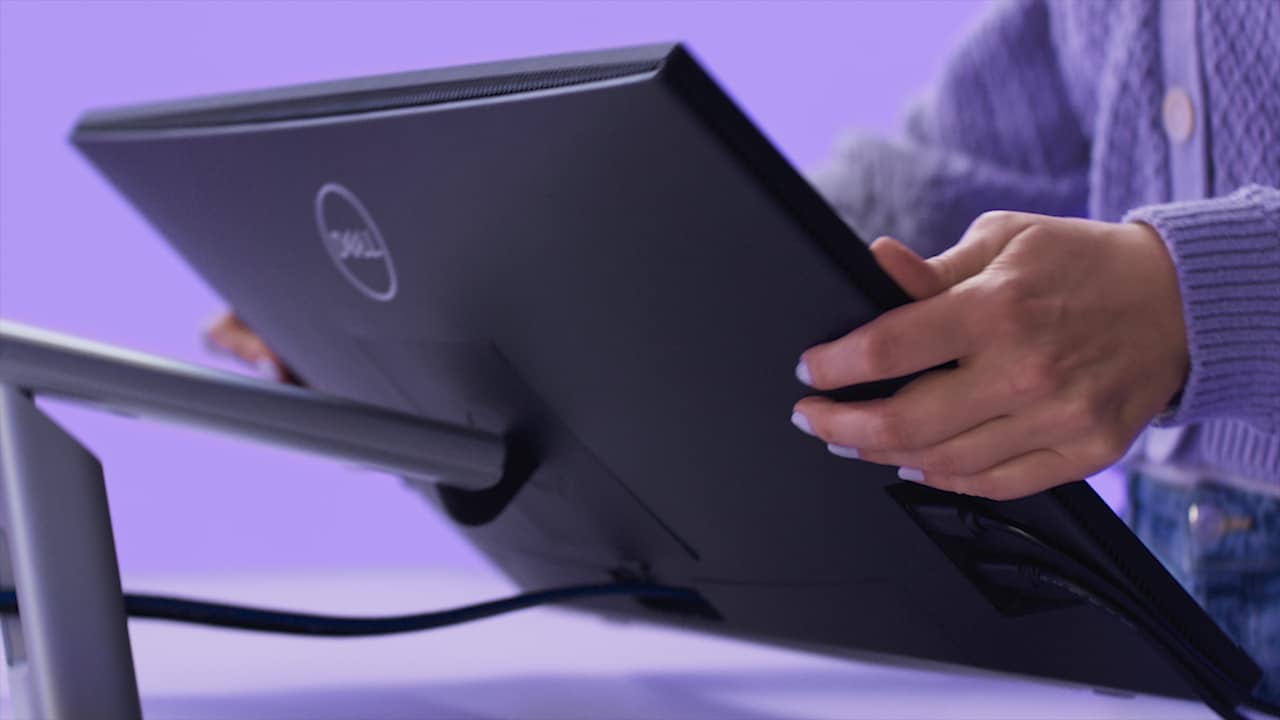
Adjust. Tilt. Swivel.
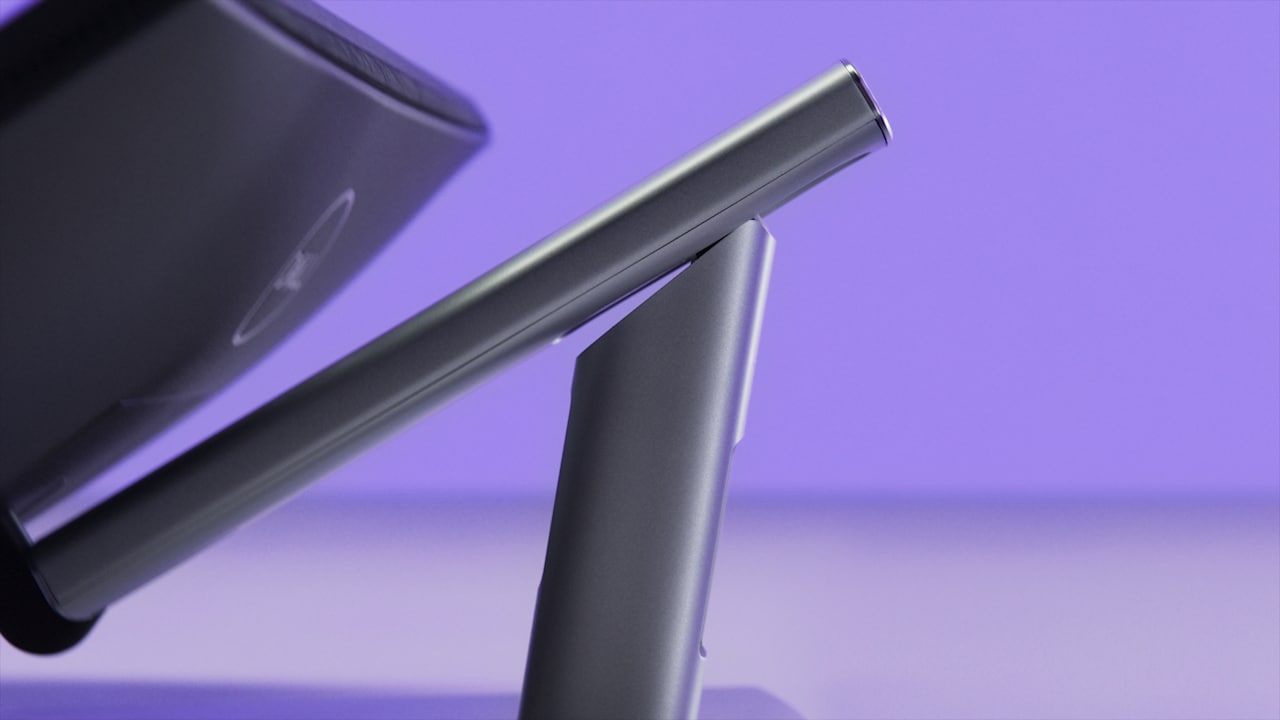
Vibrant. Expansive. Comfortable.


, an always-on built-in low blue light screen that reduces potentially harmful blue light emissions without compromising color.
Improved Dell Display Manager
Smooth deployment: Manage your fleet of monitors with features that are automatic, comprehensive and compatible with several tools.
Convenient customization: Quickly access your favorite features and functions with the menu launcher and hot keys.

Green thinking for today and tomorrow
and meets the latest environmental standards such as ENERGYSTAR® and TCO Certified Edge, and is EPEAT® Gold registered.
Eco-conscious packaging: Designed with the environment in mind, Dell commercial monitors come in up to 90% recyclable cardboard packaging.
Energy conservation: Save energy when your monitor’s not in use with PowerNap, a feature that dims or puts your monitor to sleep when it’s not in use.
Advanced sustainability: Dell Technologies is committed to reducing environmental impact throughout the product lifecycle. Read more about our commitment to sustainability and our 2030 Social Impact goals here, and our product’s carbon footprint here.
Works with devices on macOS®*
*Based on internal testing of select Dell monitors with USB-C or HDMI connection to devices on macOS, June 2024. Requires USB-C or HDMI connectivity. Some features may not be supported.

Connectivity options
1. Power connector
2. Security Lock Slot (based on Kensington Security Slot™)
3. Stand lock
4. HDMI
5. DisplayPort 1.2
7. USB 3.2 Gen1 Type-A downstream (x2)
8. Audio line-out
9. RJ45
10. USB 3.2 Gen1 Type-A downstream (with BC 1.2)
11. USB 3.2 Gen1 Type-C downstream (PD of up to 15W)
1. Power cord
2. DP – to – DP (1.8m)
3. HDMI cable (1.8m) (for selected countries only)
4. USB 3.2 Gen1 Type C-to-C (1.8m)
5. USB 3.2 Gen1 Type A-to-C upstream (1.8m)
Peace of mind, guaranteed


so that if a replacement becomes necessary, it will be shipped to you the next business day during your 3-year Limited Hardware Warranty

You’ll get 24×7 support for set-up, configuration, troubleshooting and more from highly trained experts, plus next business day Advanced Exchange
Tech Specs
LED-backlit LCD monitor / TFT active matrix
24″
23.8″
USB 3.2 Gen 1/USB-C hub
90 Watt
IPS
16:9
Full HD (1080p) 1920 x 1080 at 60 Hz
0.2745 mm
93
300 cd/m²
1000:1 / 1000:1 (dynamic)
16.7 million colours
99% sRGB
5 ms (grey-to-grey fast), 8 ms (grey-to-grey normal)
178°
178°
Anti-glare, 3H Hard Coating
LED backlight
LED edgelight system, Flicker Free technology, Dell Easy Arrange, Low Blue Light technology, 3-sided bezeless, Dell ComfortView Plus
53.88 cm x 24.887 cm x 32.098 cm – with stand
7.86 kg
Speakers – mono
3 Watt
Touchscreen
- HDMI (HDCP 1.4)
- DisplayPort 1.2 (HDCP 1.4)
- USB-C 3.2 Gen 1 (power up to 90W)
- 2 x USB 3.2 Gen 1 downstream
- USB-C 3.2 Gen 1 downstream (power up to 15W)
- USB 3.2 Gen 1 downstream with Battery Charging 1.2 (power up to 10W)
- LAN (RJ-45)
- Audio line-out (mini-jack)
Height, swivel, tilt
-5°/+60°
-30°/+30°
110.52 mm
100 x 100 mm
Security lock slot (cable lock sold separately), VESA interface support
- 1 x DisplayPort cable – DisplayPort to DisplayPort – 1.8 m
- 1 x HDMI cable – 1.8 m ( for selected countries only)
- 1 x USB 3.2 Gen 1 upstream cable – USB Type A to C – 1.8 m
- 1 x USB 3.2 Gen 1 upstream cable – USB-C – 1.8 m
RoHS
Kensington security slot
AC 100-240 V (50/60 Hz)
18 W
190 Watt
0.5 Watt
0.3 Watt
Yes
Dell Display Manager
- With stand – width: 53.88 cm – depth: 24.887 cm – height: 32.098 cm – weight: 7.86 kg
- Without stand – width: 53.88 cm – depth: 5.41 cm – height: 32.098 cm – weight: 3.86 kg