
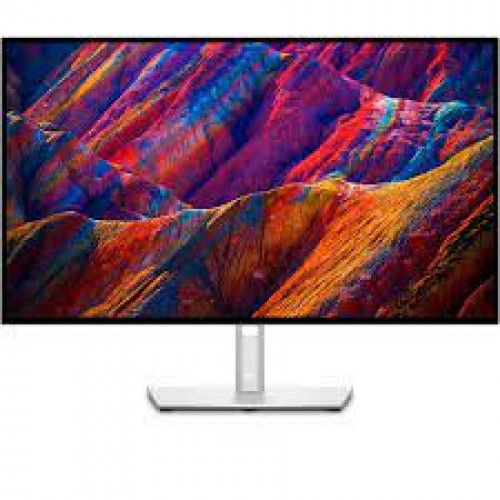
Dell U2723qe 27inch Uhd Monitor
Features & Design
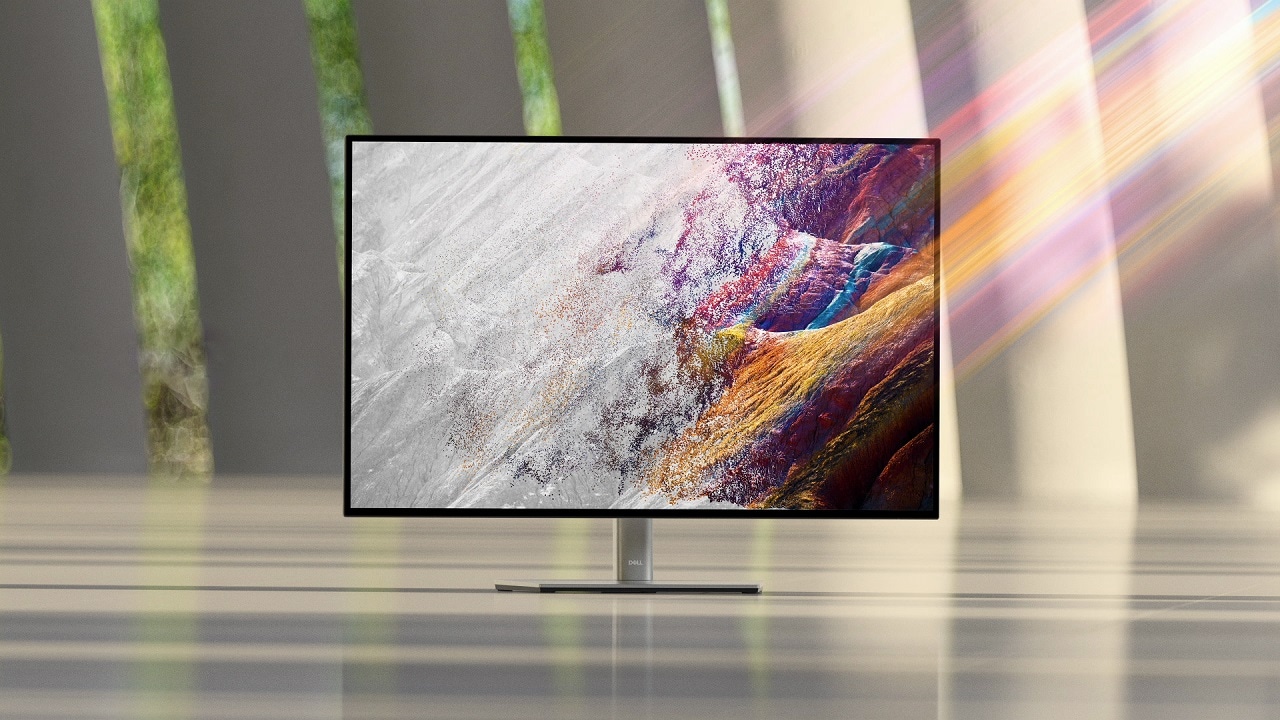
Brilliant visuals
Exceptional contrast: Experience incredible color and superior black performance with a contrast ratio of 2000:1 on the world’s first 27" 4K monitor with IPS Black technology.

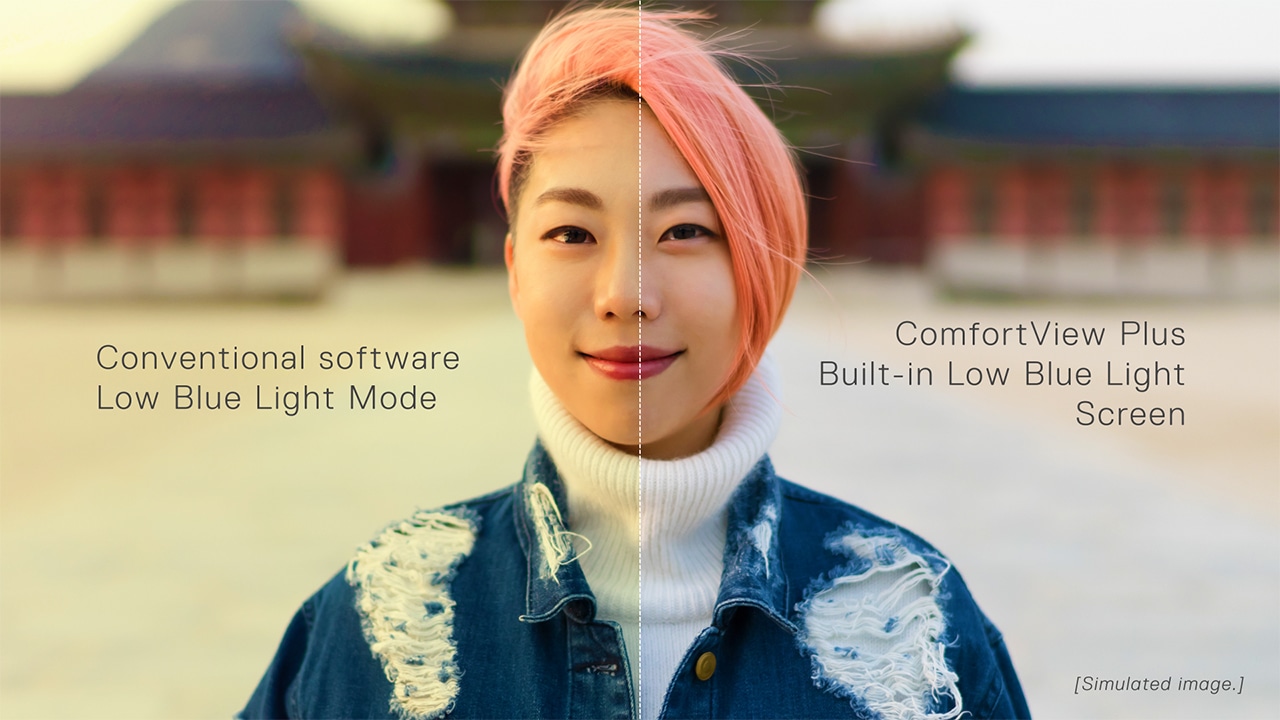
Enhanced eye comfort
ComfortView Plus
—an always-on, built-in low blue light screen—reduces potentially harmful blue light emissions without compromising color.
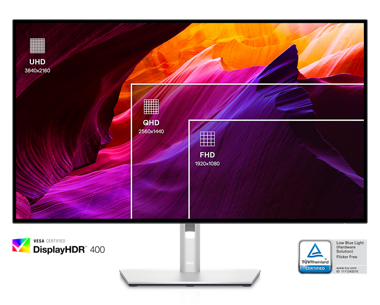
True brilliance
See fine details on this 4K monitor and enjoy truer-to-life color with 98% DCI-P3 and VESA DisplayHDR™ 400.
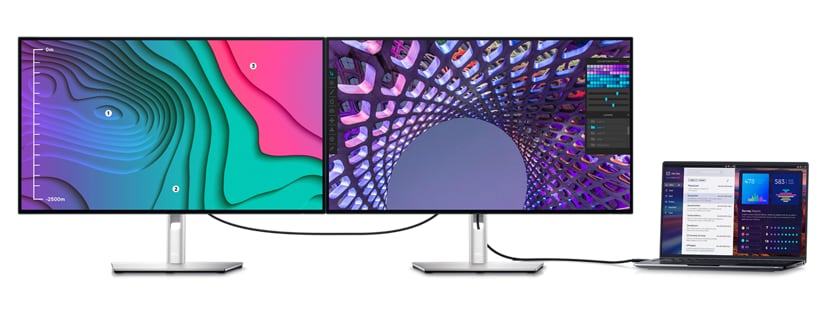
Your hub for connectivity
Jumpstart productivity: Wake up and power on your laptop with the Power Sync feature
.
Enhanced connectivity: Streamline your workspace with extensive connectivity ports including USB-C (up to 90W power delivery), RJ45 (Ethernet), DP1.4, and HDMI. Quick-access USB-C (up to 15W of power charging) and super speed USB 10Gpbs ports enable easy connections and fast data transfers.
A more organized workspace: Single cable USB-C connectivity offers the flexibility of connecting to multi-vendor USB-C systems , reducing cable clutter and enabling quick transitions from the desk.
Network ready: Get enhanced manageability with MAC Address pass-through, PXE Boot, and Wake-on-LAN conveniently built in.
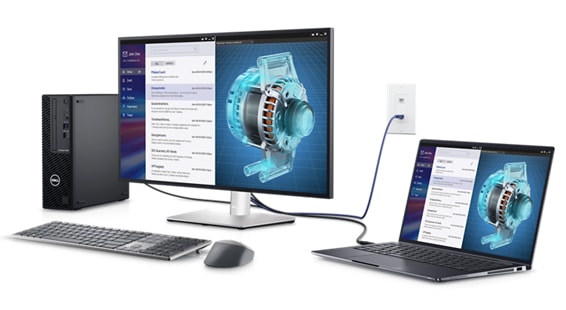
Productivity unlocked
Multitask better: Connect to two PC sources and Auto KVM will seamlessly switch controls over to the second connected PC. Use KVM (keyboard, video and mouse) feature to control both PCs with a single mouse and keyboard.
See more on one screen: View content from two PC sources with Picture-in-Picture (PiP) and Picture-by-Picture (PbP).
Expand your productivity: Experience uncompromised picture quality by daisy chaining two 4K monitors. U2723QE is the world’s first 27" 4K monitor which allows daisy chaining of an additional 4K monitor at full resolution via USB-C—enabled by Display Stream Compression (DSC)
.Skillfully crafted
Designed with purpose: With a premium platinum silver finish and an elegant cable management system made to reduce clutter, it’s the monitor built to match any workspace.
Easy to use: Navigate the menu and adjust screen settings with a convenient joystick control.
Built for comfort
Tilt, swivel, pivot and adjust the height of your monitor so you can work however you’re most comfortable.
Dell Display Manager
Productive at every level: Easy Arrange allows you to easily tile multiple applications across one or more screens with 38 pre-set window partitions and the ability to personalize up to five windows, giving you improved multitasking abilities.
Seamless transitions: The auto-restore feature remembers where you left off, so applications will go back to where you left them, even after you’ve unplugged.
The key to convenience: Shortcut keys can save you even more time, letting you easily configure your display management settings so you can get to work faster.
More ways to manage: Asset management reports allow IT managers to quickly capture and track monitor information as well as configure multiple monitors at once through a single setup.
Expanded compatibility: With support for multiple operating systems
, Dell Display Manager helps you can stay productive however you work.Green thinking for today and tomorrow
Environmental standards: This monitor uses 85% PCR (Post-consumer Recyclable) plastic in the design
and meets the latest environmental standards such as EnergyStar® and TCO Certified Edge, and is EPEAT® Gold .
Eco-conscious packaging: Designed with the environment in mind, Dell commercial monitors come in 100% recyclable cardboard packaging.
Energy conservation: Save energy with PowerNap , a feature that dims or puts your monitor to sleep when it’s not in use.
Advancing sustainability: Dell Technologies is committed to reducing environmental impact throughout the product lifecycle. Read more about our commitment to sustainability and our 2030 Social Impact goals here, and our product’s carbon footprint here.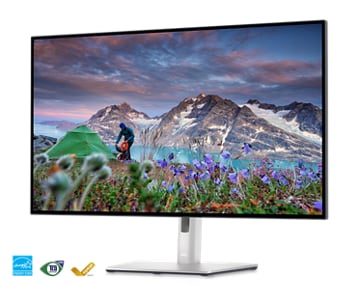
Works with devices on macOS®*
Tested with devices on macOS, this USB-C monitor with P3 color is compatible with Mac®devices.
*Based on internal testing of select Dell monitors with USB-C or HDMI connection to devices on macOS, June 2024. Requires USB-C or HDMI connectivity. Some features may not be supported.
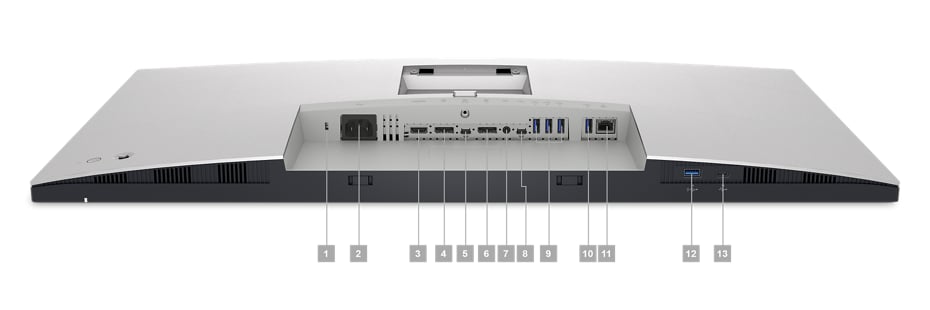
Connectivity Options
Ports & Slots
1. Security lock slot (based on Kensington Security SlotTM)
2. Power connector
3. HDMI port
4. DisplayPort in
5. USB-C port
6. DP port (out)
7. Audio line-out port
8. USB-C upstream port
9. (3) Super speed USB 10Gbps (USB 3.2 Gen2)
10. Super speed USB 10Gbps (USB 3.2 Gen2)
11. RJ45
12. Super speed USB 10Gbps (USB 3.2 Gen2)
13. USB-C downstream port
Cables Included
1. Power cable
Peace of mind, guaranteed
Our products are engineered with care and precision, so we guarantee support and peace of mind.

A brand you can rely on
As the No. 1 monitor company worldwide
, we take pride in our unyielding commitment to quality and the utmost customer satisfaction

Premium Panel Exchange
The Dell Premium Panel Exchange allows a free panel replacement during the Limited Hardware Warranty
period even if only one bright pixel is found.

Advanced Exchange Service
Your monitor comes with a 3-year Advanced Exchange Service

Upgrade your support
Get a higher level of support with ProSupport or Premium Support for monitors.
if your warranty issue can’t be resolved over the phone.
Tech Specs
General
Display Type
LED-backlit LCD monitor / TFT active matrixDiagonal Size
27"Built-in Devices
USB 3.2 Gen 2/USB-C hubUSB Power Delivery
90 WattPanel Type
IPS Black TechnologyAspect Ratio
16:9Native Resolution
4K 3840 x 2160 at 60 HzPixel Pitch
0.1554 mmPixel Per Inch
163.18Brightness
400 cd/m²Contrast Ratio
2000:1 / 2000:1 (dynamic)Colour Support
1.07 billion coloursColour Gamut
100% Rec 709, 100% sRGB, 98% DCI-P3Response Time
5 ms (grey-to-grey fast), 8 ms (grey-to-grey normal)Horizontal Viewing Angle
178°Vertical Viewing Angle
178°Screen Coating
Anti-glare, 3H Hard CoatingBacklight Technology
LED backlightFeatures
Arsenic freeBuilt-in Speaker
NoDimensions (WxDxH)
61.14 cm x 18.5 cm x 38.518 cm - with standWeight
6.64 kgConnectivity
Interfaces
- HDMI (HDCP 2.2)
- DisplayPort 1.4
- DisplayPort output
- USB-C 3.2 Gen 2 upstream
- USB-C 3.2 Gen 2 downstream (power up to 15W)
- 4 x USB 3.2 Gen 2 downstream
- USB 3.2 Gen 2 downstream with Battery Charging 1.2
- Audio line-out
- USB-C 3.2 Gen 2 upstream/DisplayPort 1.4 Alt Mode (power up to 90W)
- LAN (RJ-45)
Mechanical
Display Position Adjustments
Height, pivot (rotation), swivel, tiltTilt Angle
-5°/+21°Swivel Angle
-45°/+45°Height Adjustment
150 mmVESA Mounting Interface
100 x 100 mmMiscellaneous
Features
Security lock slot (cable lock sold separately), anti-theft protection, halogen freeCables Included
- 1 x Power cable
- 1 x DisplayPort cable (DP to DP) - 1.8 m
- 1 x Super speed USB (Type-A to Type-C)
- 1 x Type-C (C-C cable) - 1 m
Compliant Standards
RoHS, BFR-free, PVC-free, Mercury-freePower
Input Voltage
AC 100-240 V (50/60 Hz)Power Consumption (On mode)
25.9 WPower Consumption (Max)
220 WattPower Consumption Stand by
0.3 WattPower Consumption (Off Mode)
0.2 WattOn / Off Switch
YesDimensions & Weight
Dimensions & Weight Details
- With stand - width: 61.14 cm - depth: 18.5 cm - height: 38.518 cm - weight: 6.64 kg
- Without stand - width: 61.144 cm - depth: 5.433 cm - height: 35.301 cm - weight: 4.48 kg
Dimensions & Weight (Shipping)
Shipping Weight
9.53 kgEnvironmental Standards
EPEAT Compliant
EPEAT GoldENERGY STAR Certified
YesManufacturer Warranty
Bundled Services
3-Year Advanced Exchange Service and Premium Panel ExchangeEnvironmental Parameters
Min Operating Temperature
0 °CMax Operating Temperature
35 °CHumidity Range Operating
10 - 80% (non-condensing)Dell U2723qe 27inch Uhd Monitor
- Product Code: lc-du2723qe
- Availability: 2-3 Days
-
R9,481.29
- Ex Tax: R8,244.60